Practical AI-Powered Small Businesses You Can Launch This Month
Artificial intelligence has lowered the barrier to entry for many service and product businesses. Accessible tools now let individuals produce websites, ads, audio, designs, and digital goods without deep technical training — which means you can test a small business idea with modest upfront cost and a few hours of focused effort.
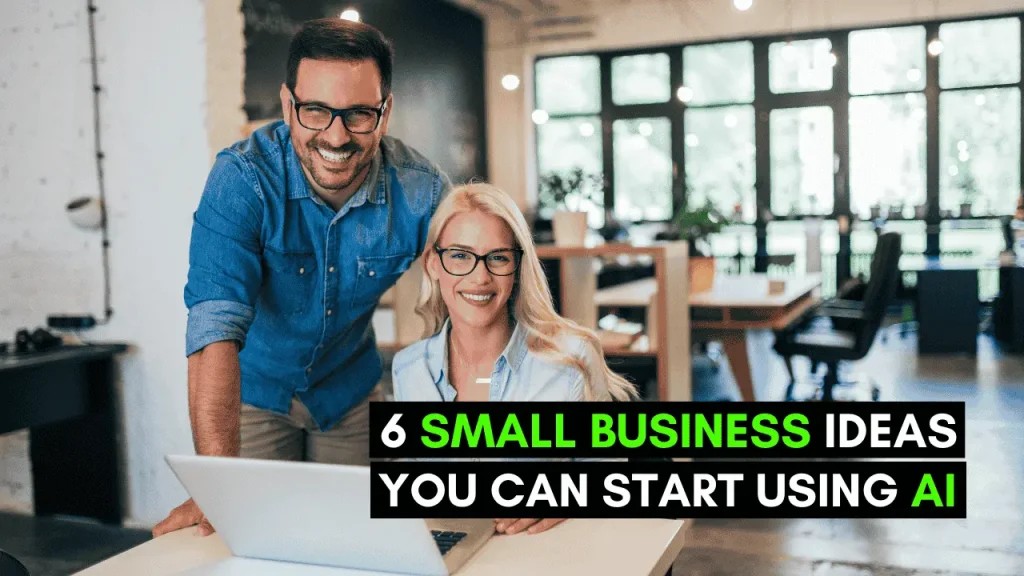
This article outlines six practical AI-enabled business concepts and gives clear, actionable steps to get started. Each idea includes examples of tools to explore, sample first projects you can build to attract clients or customers, and cautions to help avoid common pitfalls. Pick one that matches your skills and interests, then follow the short roadmap in the section to begin testing it quickly.
1. Package Short-Form Video and Social Content with AI
Demand for consistent, snackable social content is high, and AI tools can compress much of the work — from ideation to editing. Start by choosing a platform niche (Reels, TikTok, YouTube Shorts, Instagram carousels) and a stack of AI tools that speed repetition: idea generators for topics, script writers for concise hooks, and editors that automate cuts, captions, and branding.
A practical first step is to create a demonstrator: pick three topics in a niche you understand and produce three short videos or post templates using tools like Runway, Synthesia, Kapwing, or Canva. Present these as a package on your website or freelance profile so potential clients can see the style and turnaround time you offer.
When you price services, consider offering tiers: a basic package (one short video + captions), a growth package (four videos per week + thumbnail variations), and an audit/strategy session. Be upfront about copyright: if you use AI-generated imagery or music, check the tool’s licensing and deliver clear documentation to clients so they know what rights they receive.
Ready to Build a Flexible Income Stream?
2. Build Simple Websites Quickly with AI Site Builders
Modern AI-assisted website builders let you assemble a professional landing page or brochure site in a fraction of the usual time. Start by learning one or two builders (examples include AI modes in major site platforms and dedicated services) so you can move from brief to live page in a day. Practice by making three demo sites for different use cases: a local service provider, an online portfolio, and a small storefront.
Offer straightforward packages: template setup, content editing and SEO basics, and a maintenance or update retainer. For each client, capture inputs with a short questionnaire (brand colors, audience, 3 key messages) so the AI can generate on-brand copy and layout faster. Add related small-ticket services such as connecting a payment processor, adding a chatbot, or setting up analytics.
Caution: AI-generated copy and imagery sometimes needs human review for accuracy, tone, and legal clearance. Always proofread text for factual accuracy and confirm any stock or AI-created art is licensed appropriately before publishing.
3. Design and Sell Print-on-Demand Products Using AI Art
Print-on-demand (POD) lets you sell shirts, mugs, posters and more with no inventory — and AI image generators can speed concepting and design variations. Begin with a focused product line (for example, niche-themed shirts or illustration-style posters) and generate several design concepts using an AI art tool. Refine promising designs in a graphic editor so they meet print specifications.
Connect your final designs to a POD platform to handle printing and fulfillment. Launch small test collections and promote them via targeted social posts or niche communities. Track which designs resonate and iterate: change colorways, tweak compositions, or pair designs with short marketing copy tested in ads or organic posts.
Be mindful of trademark and copyright issues when generating art. Avoid recreating protected logos or recognizable characters and verify the platform’s policy on AI-generated content. Also check print templates and color profiles so your design prints crisply on physical products.
4. Create High-Converting Social Ads with AI Creative Tools
Advertisers need visuals and short videos that grab attention quickly. AI tools can suggest layouts, produce variants, and optimize copy for different audiences. Start by learning one image/video-focused tool and one ad-copy assistant. Produce a small portfolio of ad assets for different objectives: awareness, traffic, and conversions.
A practical approach is to run small tests for prospective clients: create three ad variations and suggest simple A/B tests the client can run with modest ad spend. Include variants with different hooks, calls to action, and creative treatments so the client can see what resonates. Use AI to generate quick caption and headline alternatives to feed into those tests.
Remember that platform policies vary; ensure your ads comply with the advertising rules of Facebook, Instagram, TikTok, or Google. Also, AI suggestions aren’t always culturally or contextually perfect — review recommended copy and imagery for tone and accuracy before launching campaigns.
5. Create and Sell Digital Products Built with AI
AI can accelerate creation of ebooks, templates, workbooks, course outlines, and planners. Pick a narrowly focused product idea that solves a specific problem (for instance, a starter pack of Instagram templates for realtors or a 7-day microcourse on email onboarding). Use AI to draft structure, write copy, and design layouts, then polish the output so it feels bespoke.
Choose a sales channel that fits your audience: marketplace platforms, a simple storefront, or a landing page connected to a payment processor. Offer sample pages or a short preview so buyers can evaluate quality. Price entry products affordably and consider bundling multiple items to increase perceived value.
When marketing, highlight the outcome buyers receive (what they’ll be able to do after using the product) rather than the process you used to make it. Check the licensing of any assets included (images, templates, fonts) to ensure they’re cleared for resale.
6. Offer AI-Generated Voiceovers and Spoken Content
AI voice tools can produce natural-sounding narration in multiple accents and styles, which is useful for videos, podcasts, e-learning, and IVR systems. Begin by experimenting with a couple of voice platforms to understand the controls for pacing, emphasis, and intonation. Create short demo reels — for example, an explainer, an ad read, and a calming narration — to showcase range.
Position voice services into clear deliverables: script-to-audio with revisions, multi-language localization, or character voices for animations. Price based on minute-length and the number of revisions. Offer value-added edits such as timing adjustments for existing videos or subtitle syncing so clients get a finished asset.
Be transparent about the use of synthesized voices: note whether the voice is custom or based on a model voice, and check any legal or ethical guidelines when imitating a real person’s voice. Also listen critically for artifacts or unnatural phrasing — human review and light editing often lift AI audio to a professional standard.
These six ideas illustrate different ways to turn inexpensive AI tools into paid services or digital products. The fastest path is to build a small set of samples, publish them where prospective clients or customers can see them, and begin testing paid or promotional experiments.
As you run experiments, keep track of what clients value most and streamline the repeatable parts of your workflow with templates and checklists. Over time that repeatability — not the novelty of the tools — will be the basis of a reliable small business.