Real Ways to Start Data Entry Work from Home: A Practical Guide for Everyday Earners

If you’re drawn to a flexible home hustle that leans on focus and basic computer skills, data entry can be an accessible place to begin. This guide breaks down what the work really involves, where to find legitimate gigs, and how to protect your time and income. Each section offers clear, practical steps you can use today—whether you want a few evening hours of extra cash or a steady remote routine.
1. What data entry work actually is (and what it isn’t)
At its core, data entry is about moving or converting information from one form into another: typed forms, spreadsheet rows, or an online database. That can mean transcribing notes, entering customer contact details from paper forms, or updating inventory lists. It’s not the same as deep data analysis or programming—expect repetitive tasks that reward accuracy and steady pace. For example, a common assignment might be taking scanned survey responses and populating a digital spreadsheet with each respondent’s answers, checking for typos as you go. Think of it as reliable, detail-focused work rather than creative problem solving.
2. The different flavors of data entry gigs you might try
Data entry comes in several forms, so matching the task to your strengths helps. Typical varieties include transcription (typing out audio or video), form-filling (copying paper records into digital fields), virtual assistant tasks that include light data work, and microtasks like tagging images or validating entries. For instance, if you enjoy listening closely and have a quiet space, transcription could be comfortable; if you prefer short bursts of work, microtask platforms often have many brief jobs you can complete between other commitments. Picking the right type helps you build speed and confidence sooner.
3. Skills that make you fast, accurate, and in demand
Speed and accuracy are the pillars of data entry success. Sharpen typing with timed practice drills and learn keyboard shortcuts to reduce mouse time. Familiarity with spreadsheet basics—sorting, simple formulas, and basic data validation—moves you beyond raw entry and into higher-value tasks. Knowing how to use a customer record system or simple automation tools (macros, templates) can also set you apart. Practical example: practice a 10-minute timed typing test daily, then recreate that same dataset in a spreadsheet using shortcuts to measure efficiency gains over a week.
4. Setting up a productive home workspace and the tools you’ll use
A reliable setup saves time and frustration. At minimum, you’ll want a dependable computer, stable internet, and basic software (a spreadsheet program and a word processor). For transcription, add a good headset and foot pedal if you plan to scale. Create a quiet corner with a small desk, an ergonomic chair, and a simple filing system—digital folders with clear names help when juggling multiple clients. Practical tip: keep a plain text template with common fields you enter often; copying from that template can reduce errors and speed up repeat tasks.
5. Practical first steps: how to start and build momentum
Begin small and focus on building a track record. Start by practicing with sample projects: convert a few pages of notes into a clean spreadsheet, or transcribe a short podcast segment to create a portfolio sample. When you’re ready to apply, craft concise proposals that highlight speed, accuracy, and any software experience. Offer a short free or discounted trial to a new client to demonstrate reliability. Time-block your schedule so practice and paying work don’t compete—30–60 minute daily sessions build skill steadily without burnout.
6. How to spot scams and protect your personal information
The remote-data field attracts scammers; knowing common red flags helps you steer clear. Be wary of listings that promise unusually high pay for minimal skills, ask for money to “start,” or request sensitive personal details before a formal offer. Vet potential clients by checking for online presence, reading reviews, and asking for a basic contract or scope-of-work before beginning. Practical safeguard: request to be paid through a reputable platform or on an invoice schedule, and never share identification numbers until you’ve verified the employer and the payment arrangement.
7. Where to look for legitimate data entry work and how to apply
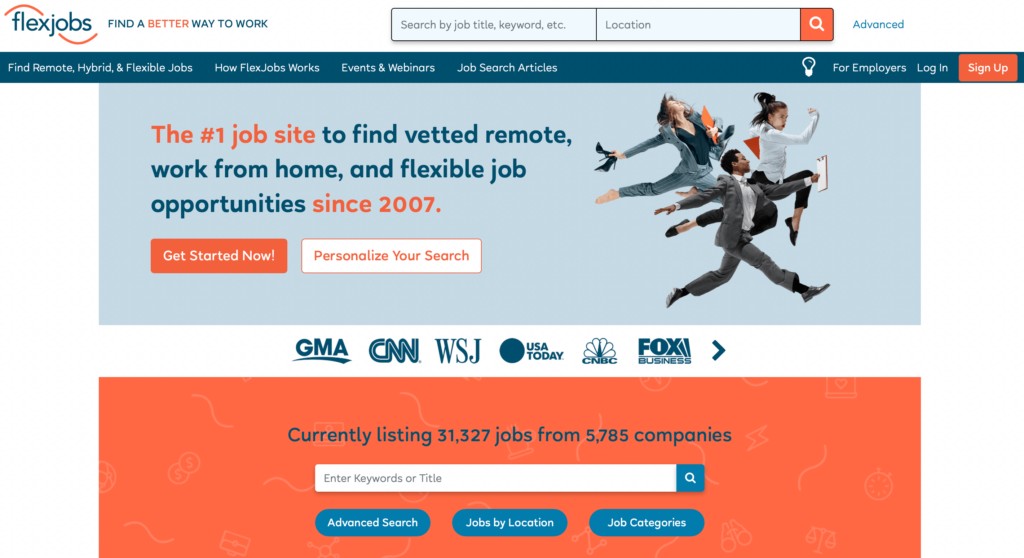
There are several places to find entry-level data work: general job boards with remote filters, freelance marketplaces, microtask platforms, and agencies that hire remote assistants. Community forums and social groups for remote workers are useful for leads and referrals. When applying, customize each pitch: mention a relevant skill (fast typing, spreadsheet experience) and include a short sample or link to your sample file. Set up job alerts for keywords like “remote data” or “transcription” so new listings come to you, and track applications to follow up efficiently.
8. Understanding pay structures and how to price your time
Compensation models vary—some clients pay by the hour, others by project or per unit of work. Since rates differ by task complexity and client budget, start by estimating how long a typical task takes and include a revision buffer when quoting. For example, if a batch of entries takes you two hours, price it so your effective hourly rate covers your time plus admin. As you gain speed and reliability, consider tiered pricing (basic entry vs. verified/cleaned data) so clients can choose faster or more thorough options.
9. A short launch plan: get your first paying client in a week
Quickly get started with a focused one-week plan. Day 1–2: prepare a short portfolio (three sample entries or a transcription clip) and a concise profile or résumé. Day 3–4: apply to a handful of well-matched listings and send personalized messages. Day 5: offer a short paid trial or a small sample task. Day 6–7: follow up with leads and onboard the first client. Practical tip: use a simple spreadsheet to track outreach, responses, and payment terms so you can iterate on what works and refine your pitch for the next week.
10. Common questions answered for newcomers
Many newcomers wonder whether experience is required, how fast they should type, and whether data entry can become a career. Experience helps but isn’t always necessary—demonstrable accuracy and a small portfolio often suffice. Faster typing makes you more efficient, but accuracy is more important; practice to improve both. If you enjoy working with data, entry roles can lead to administrative, data management, or analyst positions with additional training. Practical suggestion: log your hours and tasks for a month to see how your skills and rates improve, then use that record when asking for better-paying work.
Data entry is a realistic remote option that rewards consistency, attention, and simple tools. Start with small, verifiable tasks, protect your information, and build a reliable routine—those steps open doors to steadier projects and better-paying opportunities over time.