How to Build a Bigger Steam Library Without Paying Full Price
If you love PC games but want to keep spending in check, there are plenty of legitimate routes to score titles without paying full retail. Below are ten practical approaches — from using Steam’s own free offerings to safe giveaways, reward apps, and community swaps — organized so you can start where it’s easiest and work toward the more time-intensive options.
1. Start on Steam: Free-to-play, demos, and short-term offers

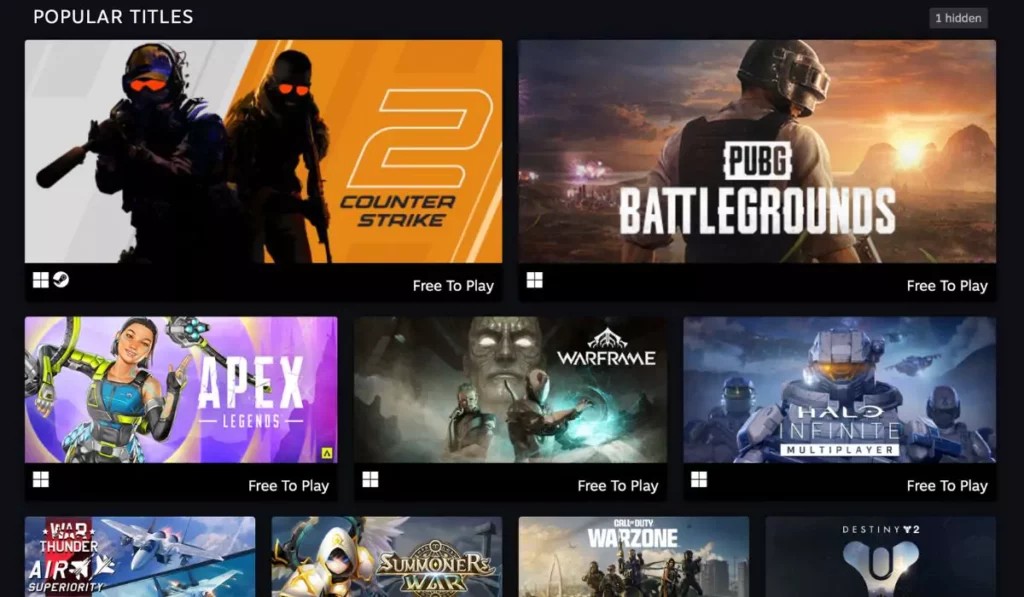
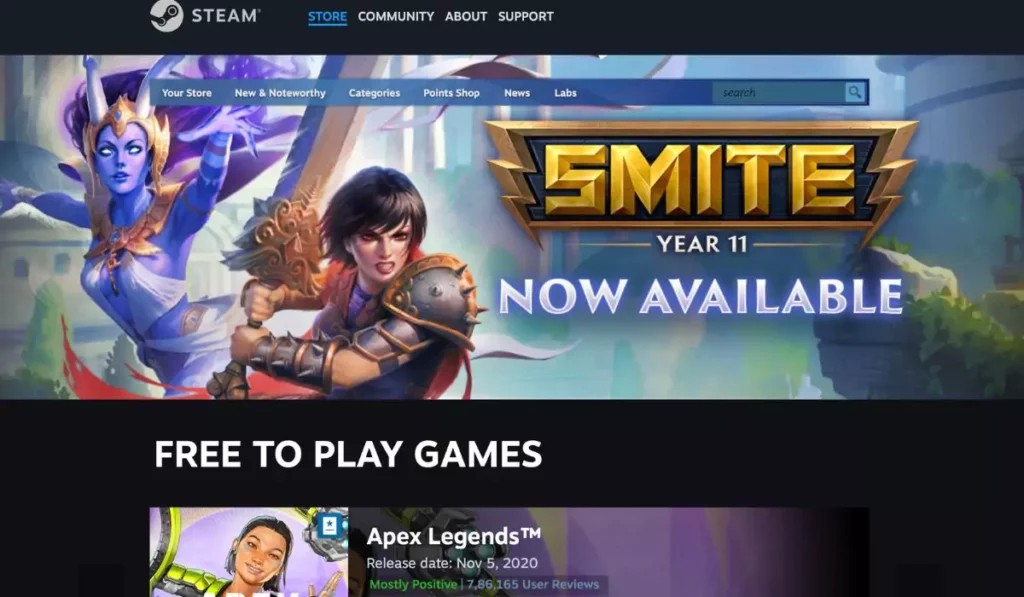
The Steam storefront itself is the simplest place to find games you can play without spending money. Use built-in filters to browse genuinely free-to-play titles, short demos that let you test a game before buying, and special promotions where developers temporarily gift or unlock content. A practical routine: check Steam’s free-to-play section once a week and add any demos or limited-time freebies to your library so they’re ready to try later. If a game offers a free weekend, invite a friend to play together — you get a taste of the full experience without commitment, and you can decide whether it’s worth a purchase.
2. Discover indie gems and game-jam creations
Indie developers and game-jam participants often release creative projects for free or as pay-what-you-like; these are great sources of fresh, experimental play. Regularly visit indie hosts and game-jam archives to find short, original titles you won’t see in big-studio marketing cycles. A simple way to explore: set aside an hour on the weekend to browse curated indie bundles, download a handful of experimental games, and leave feedback — many creators appreciate playtesters and sometimes reward active contributors with keys to full releases. This approach supports small teams and expands your library with unique experiences.
3. Track giveaways, contests, and bundles
Promotions, social-media contests, and bundle deals periodically make high-quality games available for free or near-free. Follow developers, publishers, and game-focused blogs to catch timed giveaways, and keep an eye on bundles that let you pay what you want for multiple titles. Practical steps: subscribe to a couple of reliable mailing lists and enable notifications from creators you like, then enter social-media contests thoughtfully — often you just need to like, follow, or comment. If a bundle includes a title you’d enjoy, a small purchase can unlock several games and sometimes a free key through community giveaways.
4. Leverage community channels and swap groups
Communities are fast at spotting free deals and sharing keys. Look for dedicated threads and real-time channels where players post temporary freebies, trade unused keys, or host small giveaways. Practical etiquette helps: verify poster credibility, follow pinned rules for trades, and never share personal account information. If you have duplicates or bonus keys, offer them to the group instead of letting them go unused — many communities operate on a trust-and-reputation system, so maintaining good standing increases your chances of being helped when you want a particular title.
5. Use reward apps and multitask platforms
Several mobile and web apps reward time and simple tasks with points that can be redeemed for gift cards or digital storefront credit. For example, some apps award points for trying select games, watching short videos, or completing surveys; you can then trade those points for a gift card or Steam credit. A practical strategy: pick one reputable app, learn its reward cadence, and combine small routine tasks (like a daily short session plus a quick survey) until you’ve accumulated enough for a modest purchase. Keep expectations realistic — these services supplement your budget rather than replace it.
6. Play-and-earn platforms: how to turn gaming time into keys
Points-based sites let you earn rewards by playing partner games, completing in-game objectives, or performing small online tasks. You accrue points that can be exchanged for store credit, in-game items, or occasionally Steam keys. To use these services effectively, pick platforms with clear reward mechanics, read community feedback, and prioritize tasks that match games you enjoy to avoid churn. For example, commit to one title’s daily challenges for a few weeks to reach the threshold for a reward; staying consistent often yields better returns than bouncing between offers.
7. Stretch your money: discounted gift cards and cashback hacks
Discounted or resold gift cards and cashback portals can reduce the effective price of a game or even provide enough credit for a free title over time. Practical methods include buying slightly discounted gift cards from reputable marketplaces, using cashback browser extensions when making purchases, or accumulating rewards points from routine shopping and converting them into digital storefront credit. Always verify sellers’ reputations and read redemption restrictions closely; a small discount can add up across multiple purchases and help you pick up titles during seasonal sales without overspending.
8. Redeeming codes and common activation pitfalls
When you receive a key or wallet code, proper activation prevents headaches. On Steam, add a product or wallet code through the account’s activation flow and double-check the entered characters to avoid mistakes. Practical checks: confirm the code’s region and platform compatibility before attempting activation, watch for expiration dates, and ensure your account meets any location or family-sharing requirements. If a code fails, contact the issuer with proof of purchase or receipt; many legitimate sellers and giveaway hosts can help resolve activation issues. Back up important emails with keys so you can find them later.
9. Spot scams and protect your account
Avoid schemes that promise instant, unlimited credits or require installing unknown software. Common red flags are sites that demand excessive personal details, random code generators, and unsolicited messages offering free keys. Practical defenses include never sharing your login credentials, using two-factor authentication, and running downloads through reputable antivirus software. If an offer sounds too good to be true, it probably is — instead, rely on community-vetted platforms, official store promotions, and sellers with clear return or dispute policies. When in doubt, step away and ask for verification from a trusted forum.
10. Enjoy freebies responsibly and support creators when you can
Free games expand your library, but thoughtful habits keep the ecosystem healthy. If you enjoy a free title, leave an honest review, report bugs to the developer, or consider a small purchase later to support them. Practical examples: buy a soundtrack or cosmetic pack, tip the developer on their site, or contribute constructive feedback in a public bug report. These actions help creators stay motivated and produce more content. Remember that patient searching and respectful community behavior will yield better long-term results than chasing every “free” link that appears online.
Free or low-cost ways to add games to your Steam library exist at every level — from built-in store options and indie releases to reward apps and vetted resale channels. Be patient, prioritize reputable sources, and treat freebies as opportunities to discover new developers. With a few reliable routines and a bit of caution, you can enjoy a richer gaming collection while supporting a healthy ecosystem.