Earn in the Background: A Practical Guide to Apps That Make Money While You Live Your Life
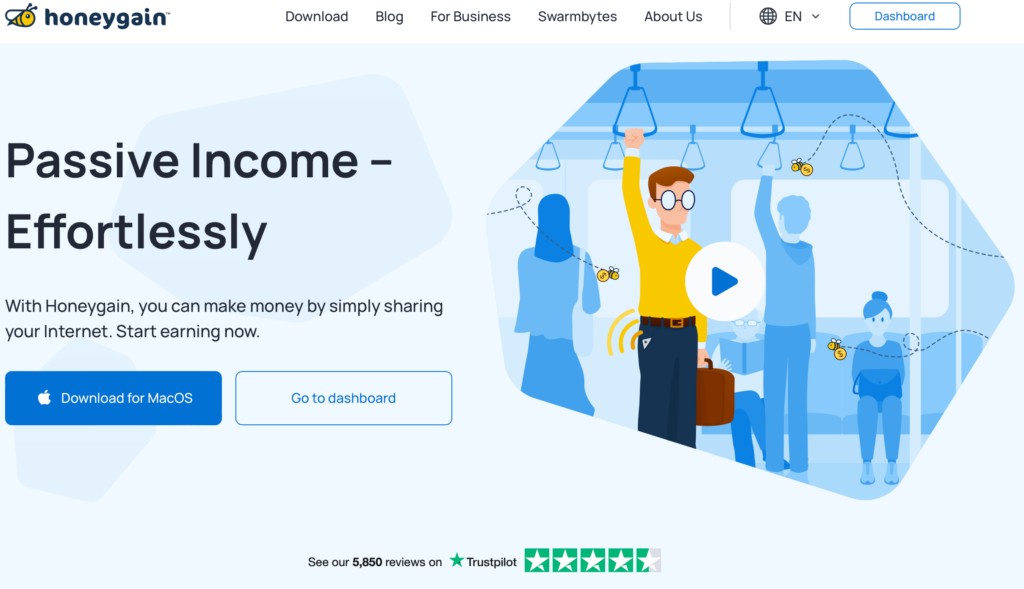
If you’re curious about small, steady ways to boost your income without taking on extra shifts, background-earning apps are worth a look. These tools range from data-sharing platforms to shopping helpers and fitness trackers. Below is a clear, practical guide that explains how these apps work, how to use them safely, and how to combine several of them so you actually see benefits without major effort.
1. How background-earning apps actually work
Background-earning apps might sound like magic, but they operate on a simple idea: exchange small pieces of unobtrusive activity or insights for rewards. Some quietly collect anonymized usage or connectivity data, others show occasional ads on a lock screen, and several track purchases to deliver cashback. Think of them as passive taps rather than steady paychecks—you leave an app running, it performs its task, and you accumulate points, cash or vouchers. A practical start: install one or two from different categories on a spare device or a secondary profile, review permissions, keep them on Wi‑Fi where possible, and check payment thresholds so rewards don’t sit unclaimed.
2. Key safety and setup tips before you start
Before you install anything, take a few minutes to protect your privacy and energy. Carefully read what data an app accesses and whether you can limit sharing inside its settings. Use a secondary phone or tablet if you’re concerned about battery drain or data use, and disable apps when traveling if they rely on location. Avoid tools that obscure your device’s identity—masking or routing services can trigger account blocks with some platforms. Finally, set realistic expectations: these apps can cover small expenses and gift cards, but they’re rarely a full replacement for steady income. Schedule a monthly audit to review permissions, earnings and whether any app still suits you.
3. Data-collection apps: what they do and how to use them wisely
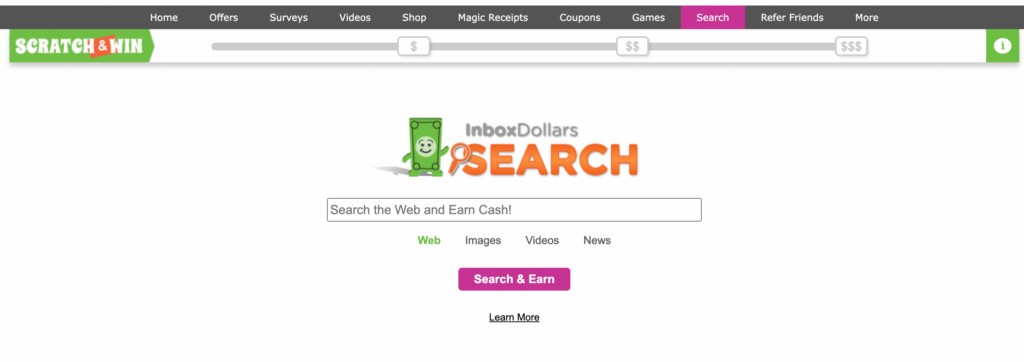
Apps that collect background data help market researchers and businesses understand device, network and browsing behaviors. In exchange, users earn points or cash-like rewards. Practical use means limiting exposure: opt into only the categories you’re comfortable sharing, keep the app on Wi‑Fi if possible, and exclude accounts that hold sensitive information. If an app offers control sliders or toggles for specific data types, adjust them to retain privacy. Example workflow: install on a secondary device, turn off access to photos and contacts, enable only network and usage stats, and review the vendor’s privacy summary monthly to ensure it aligns with your comfort level.
4. Lockscreen and ad-display apps: tiny rewards for minimal attention
Lockscreen apps replace your usual lock screen with curated content or ads and reward you for interactions or even simple unlocks. They’re genuinely low-effort: once installed and permitted, they run silently, and you keep using your phone normally—no active searching required. To make them work for you, use them on a device you’re comfortable seeing occasional ads on and mute notifications if they become intrusive. Practical measures include setting a small earnings goal, checking payout methods and thresholds up front, and uninstalling if the battery hit or notification spam outweighs the modest rewards.
5. Cashback and shopping helpers: semi-passive savings while you shop
Cashback apps and browser extensions aren’t always fully passive, but they automate savings while you shop. Many detect partner stores, apply coupons, or credit your account when you visit an online merchant through their link. Make these tools work for you by installing the browser extension on your desktop and enabling in-app notifications on mobile so you don’t miss opportunities. For in-store purchases, link a card securely or scan receipts when required. Practical example: before buying a bigger item, open the extension to compare offers, ensure a tracked card is used at checkout, and let the app do the rest.
6. Fitness- and driving-focused apps: get rewarded for movement and safe habits
Some apps reward daily steps, verified workouts, or safe driving behavior by converting activity into points or credits. To use them effectively, sync the app with a wrist tracker or your phone’s health platform, and make sure permissions reflect only the data you want to share. Gamify the experience by setting achievable targets and joining small challenges with friends to boost motivation. If a driving app rewards phone-free trips, try enabling it at the start of each journey and keep your phone in a fixed mount; that both promotes safety and ensures trips are logged accurately for rewards.
7. Niche ways to earn passively: surveys, microtasks and fractional investing
Beyond data collectors and cashback tools, there are apps that funnel activity into surveys, microtasks or pooled investments. Survey and microtask platforms can be used alongside background apps—set aside a short time block each week to complete targeted tasks that top up your earnings. For those interested in investing, certain platforms let you commit small sums to fractional real estate or pooled ventures; read fees, risk disclosures and liquidity details before participating. Practical approach: diversify—combine one background app, one shopping helper and a microtask or investment option to balance effort, liquidity and reward types.
8. A simple weekly routine to stack small earnings reliably
Turn background earnings into a dependable habit with a short weekly routine. Start by checking each app’s balance and recent permissions, cashing out any thresholds you’ve reached so points don’t expire. Rotate which apps run on your primary device versus a secondary one to reduce drain, and reconcile receipts or purchases that qualify for cashback. Keep a running note of which apps deliver the best net value (time, battery, privacy trade-offs) and drop those that don’t. Practical example: set a single weekly reminder to review earnings, update settings, and uninstall any app that hasn’t earned or that asks for excessive access.
Background-earning apps won’t replace a salary, but used thoughtfully they can add steady small rewards and help you save on everyday purchases. Start small, protect your privacy, and build a simple routine so the benefits add up without draining your devices or time.