Arrange Your Living Room Around the TV: Practical Placement and Layout Tips
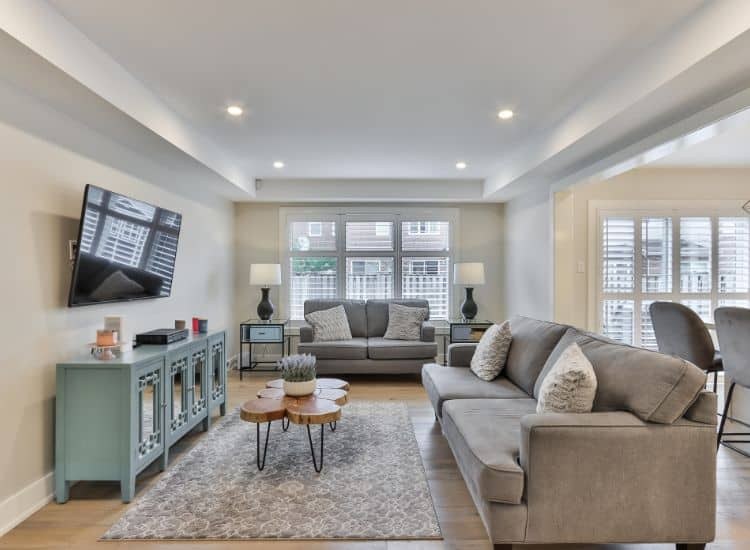
A television is often a centerpiece in modern living rooms, but making it coexist with comfortable seating, good conversation flow, and attractive styling takes a little strategy. With a few deliberate choices about placement, scale, lighting and storage you can create a room that feels both welcoming and well tuned for viewing.
This article walks you through thoughtful planning and simple, safety-conscious steps to arrange furniture around a TV without sacrificing design. Each section includes a short narrative, a clear list of what you’ll need, and numbered actions so you can put the layout together efficiently.
1. Begin with a Solid Floor Plan: Define Zones Before Moving Furniture
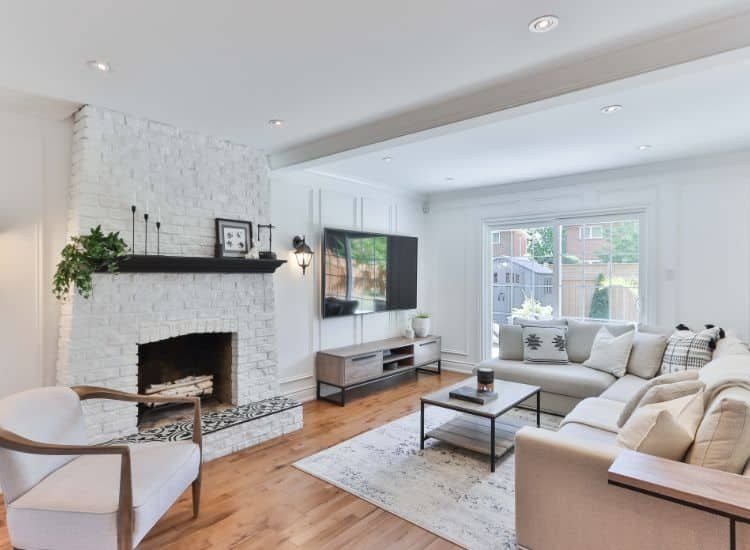
Before you lift a sofa, take time to map the room. Identify natural focal points — windows, the television, a fireplace, or a view — and imagine traffic paths. Thoughtful zoning keeps sightlines open and ensures the TV fits into the room instead of dominating it.
What You’ll Need
- Tape measure and masking tape
- Paper and pencil or a room-planning app
- A simple floor plan with marked doors and windows
How to Put It Together
- Measure the room’s length, width, and door/window locations; note any radiators or heat sources.
- Use masking tape on the floor to outline the sofa, rug, and main circulation paths to visualize scale.
- Place the TV zone where it won’t block natural walkways and can be seen from the main seating area; consider alternative focal points if the TV would interrupt flow.
- Reserve a separate nook for reading or conversation if space allows, using rugs or light fixtures to define it.
2. Choose TV Height and Position for Comfortable Viewing
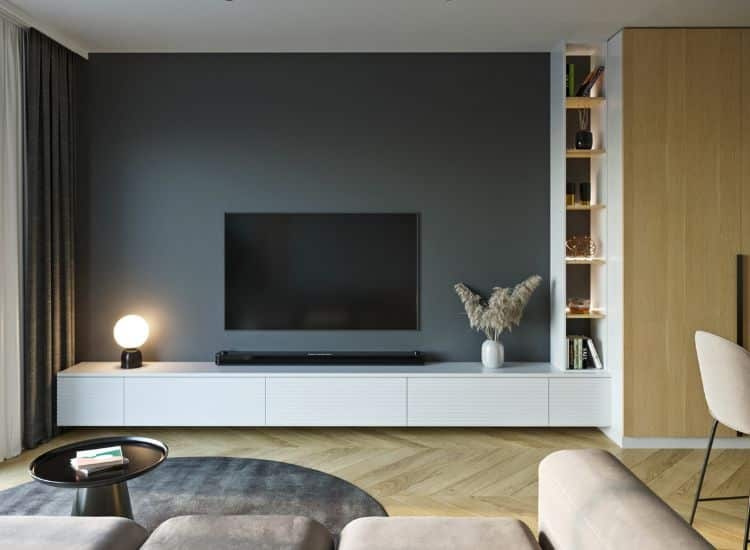
Eye level and viewing distance matter. The center of the screen should be roughly at seated eye height, and distance varies with screen size and room scale—close enough to engage, far enough to avoid strain. Also think about ambient light and reflections when choosing the wall or console location.
What You’ll Need
- Measuring tape and a step ladder
- Stud finder (for wall mounting) or a sturdy media console
- Cable-management supplies (clips, conduit, or cord covers)
How to Put It Together
- Sit on your primary sofa and measure eye height from the floor; aim to place the screen center at or slightly below that mark.
- If wall-mounting, locate studs with a stud finder and follow mount instructions; if using a console, pick one with adequate depth and ventilation.
- Ensure a safe, labeled route for cords—conceal or secure cables to prevent tripping and keep electronics ventilated.
- Test different positions temporarily (use a cardboard mockup of the screen) to check glare and sightlines before final installation.
3. Arrange Seating for Both Viewing and Conversation
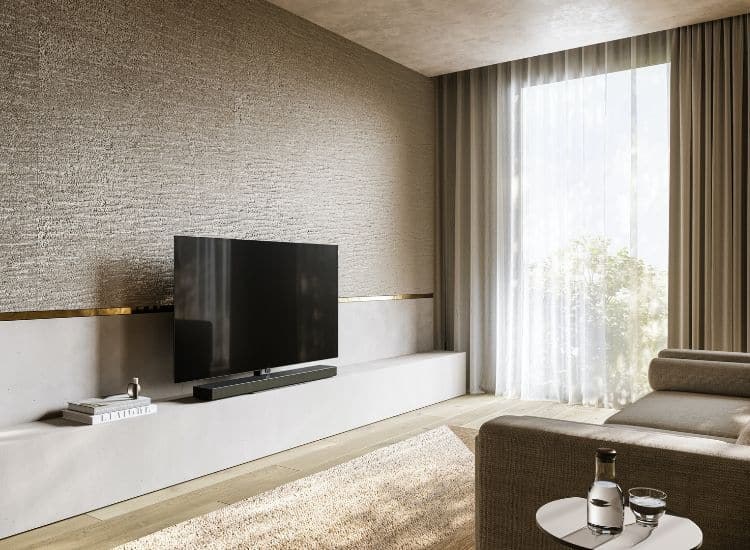
Good living rooms let TV time and socializing coexist. Arrange primary seating to face the TV while secondary chairs or ottomans are angled to include people in conversation. Keep pathways clear and allow for easy reconfiguration for gatherings.
What You’ll Need
- Sofa and at least one additional seat (armchair, loveseat, or ottoman)
- Area rug sized for your seating grouping
- Low-profile side tables or nesting tables
How to Put It Together
- Position the main seating so the line of sight to the TV is unobstructed; leave at least a few inches behind the sofa for walkway clearance.
- Use a rug to anchor the seating group; ideally the front legs of all main pieces should sit on the rug to create cohesion.
- Angle secondary seats toward the sofa at about 30–45 degrees to encourage conversation without blocking the view.
- Keep side tables reachable from seats and ensure there’s at least 30–36 inches of circulation space where people will walk.
4. Balance Scale and Proportion: Match Furniture to Room Size
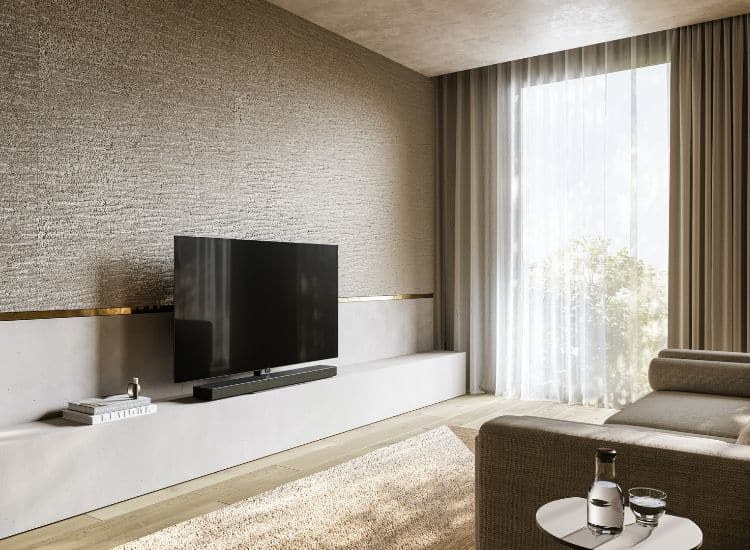
Oversized furniture can overwhelm a small room while tiny pieces look lost in a large space. Measure carefully and choose pieces whose scale complements each other. Consider visual weight—open-legged furniture and lighter finishes make a space feel airier.
What You’ll Need
- Measuring tape and notes from your floor plan
- Painter’s tape to mark furniture footprints
- A sample swatch or photo of furniture finishes
How to Put It Together
- Measure potential furniture footprints and mark them on the floor with painter’s tape to test scale before buying or moving pieces.
- Pair heavier, chunkier items with lighter pieces (glass or slim-legged tables) to avoid a top-heavy look.
- Choose a rug that’s proportionate; in most seating arrangements the rug should be large enough to fit the front legs of all main seating.
- If space is tight, favor multi-functional or modular furniture that provides seating without visual bulk.
5. Layer Lighting and Control Glare for Better Viewing
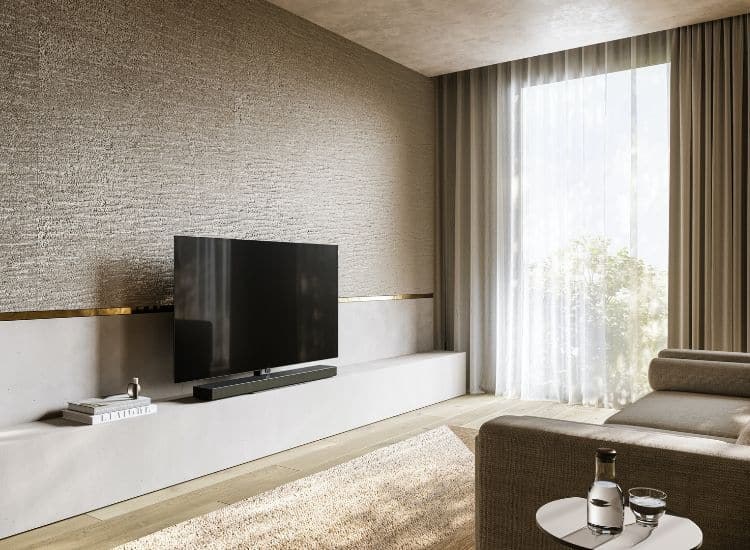
Lighting shapes ambience and comfort. Layer general, task and accent lighting so you can dim or brighten the room for different activities. Controlling glare from windows with adjustable treatments improves picture quality and reduces eye fatigue.
What You’ll Need
- A mix of overhead lighting, floor/table lamps, and dimmer switches
- Window treatments (room-darkening curtains, blinds, or shades)
- Soft, indirect accent lights or bias lighting behind the TV
How to Put It Together
- Install dimmers on overhead fixtures so you can lower ambient light while watching TV without plunging the room into darkness.
- Add table or floor lamps for reading zones and to create a warm glow that balances the TV’s brightness.
- Fit adjustable window coverings to control daytime glare; consider layering sheer and blackout options for flexibility.
- Use subtle bias lighting (soft LED behind the TV) to reduce eye strain and improve perceived contrast; keep wiring tidy and low-profile.
6. Storage, Styling and Safety: Keep Media Neat and Attractive
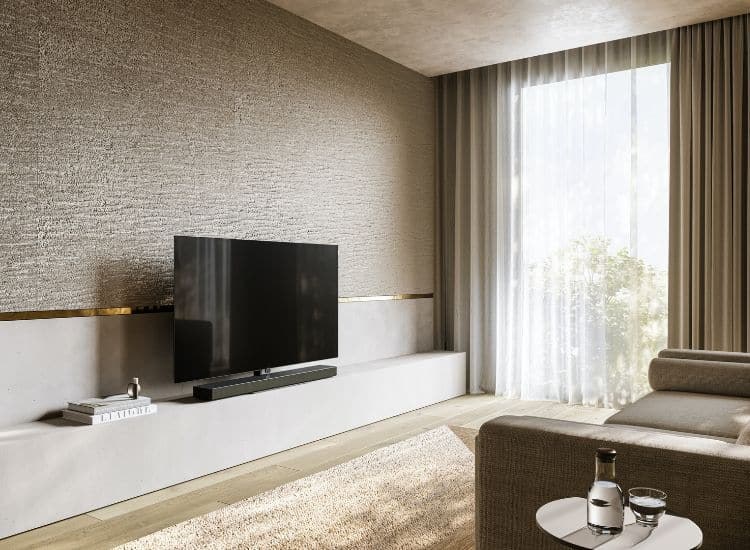
Clutter undermines both style and function. Integrate storage for media components, remotes, and accessories while keeping styling cohesive. Also mind safety—secure furniture to the wall if you have children or pets and leave room for ventilation around electronics.
What You’ll Need
- A media console or cabinets with cable access and ventilation
- Baskets or boxes for remotes and small items
- Furniture anchors and surge protectors for electrical safety
How to Put It Together
- Choose closed and open storage combinations to conceal cables and gear while displaying a few curated objects for personality.
- Label cables and route them through a dedicated channel or behind the console; leave 2–3 inches of breathing space for heat-generating devices.
- Anchor tall or heavy furniture to studs to prevent tipping, especially in homes with children or pets; use cord covers to avoid tripping hazards.
- Finish with soft styling—throw blankets, a couple of framed photos and one or two plants—to balance the tech with warmth.
Final Thoughts
Arranging a living room around a TV is about harmonizing function and comfort: thoughtful placement, layered lighting, correct scale and smart storage let the television sit naturally within a welcoming space. Small adjustments—mockups on the floor, angling a chair, or adding dimmable lamps—deliver big improvements.
Use these steps as a flexible framework rather than a rigid rulebook. Test layouts, prioritize safety and comfort, and let your personal style guide the finishing touches so the room works for everyday life and special gatherings alike.